Making Everyday Payments Easier With A UPI App
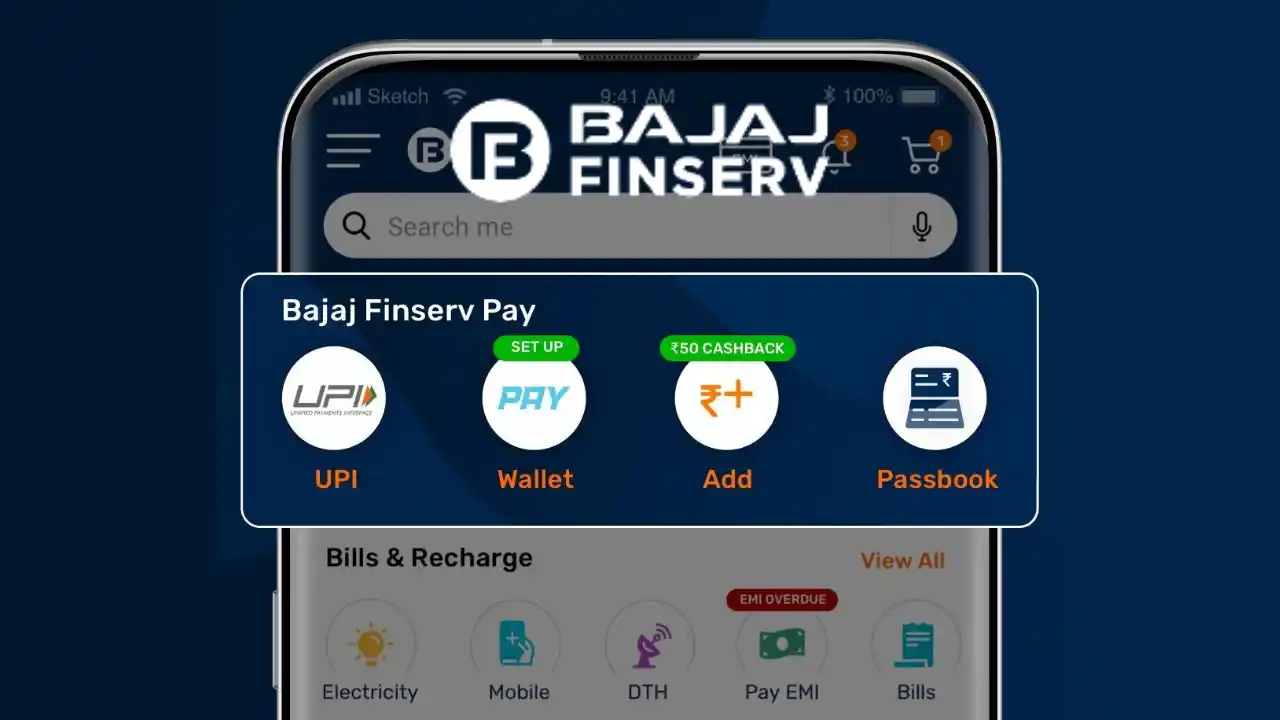
A UPI app can simplify everyday payments by allowing users to send money, pay merchants, settle bills and manage eligible bank-linked transactions from a mobile device. The convenience is useful, but good payment habits still depend on verifying recipients, protecting authentication details and tracking completed transactions carefully.
Users who also consider a Personal Loan should treat borrowing and UPI payments as two separate financial activities. UPI is primarily a payment method, while a loan creates a repayment obligation that should be evaluated based on interest, fees, tenure and affordability.
A UPI app works best when it helps users complete payments quickly without losing visibility over where money is going.
Use UPI As Part Of A Daily Money Routine
UPI can be used for many types of transactions, including:
- Merchant payments
- Person-to-person transfers
- Utility bills
- Recharge payments
- Shared expenses
- Online purchases
Because these transactions happen frequently, users can easily lose track of the total amount spent.
A simple monthly review can make digital spending easier to understand.
Link Only The Accounts You Actually Need
A UPI app may allow multiple bank accounts to be linked.
This can be useful when users want to:
- Separate personal and household spending
- Keep a backup payment account
- Use different accounts for different purposes
However, adding several accounts can also create confusion.
Set A Clear Default Account
Before paying, users should check which account will be debited.
This is especially useful when one account is reserved for bills or savings.
Create A Simple Spending Structure
UPI makes small payments extremely easy.
A few ₹50, ₹100 or ₹200 transactions may not feel significant individually, but together they can become a large monthly expense.
Users can divide UPI spending into categories such as:
- Food
- Travel
- Shopping
- Utilities
- Entertainment
- Family transfers
This can make payment history more meaningful.
Check The Recipient Before Every Transfer
A UPI payment should always begin with recipient verification.
Before confirming, review:
- Recipient name
- UPI ID or QR result
- Amount
- Payment purpose
- Familiar Interfaces Can Encourage Rushing
People who use UPI several times a day may become less careful because the process feels routine.
A short verification step can reduce the risk of sending money to the wrong person.
Treat QR Codes As Payment Instructions
QR codes can make merchant payments faster, but users should still confirm the details displayed after scanning.
A QR code should lead to the expected merchant or recipient.
Watch For Altered QR Codes
In physical locations, a fraudulent code may sometimes be placed over the original code.
Users should verify the merchant name shown in the app before authorising payment.
Protect The UPI PIN
The UPI PIN is used to authorise outgoing transactions.
It should remain private.
Users should never share:
- UPI PIN
- OTP
- Banking password
- Debit card PIN
- CVV
- Receiving Money Does Not Normally Require A UPI PIN
If someone asks a user to enter a UPI PIN in order to receive money, the request should be treated with caution.
The PIN is used to approve a debit, not simply to accept incoming funds.
Read Collect Requests Carefully
Some UPI transactions may involve a collect request.
This means another party has requested a payment from the user.
Before approving, check:
- Who sent the request
- Amount
- Reason
- Expiry
- A Collect Request Can Look Misleading
Fraud attempts may present a payment request as if it were a refund or reward.
Users should read the payment screen carefully before authorising anything.
Use Payment Notes For Better Records
Adding a short note to a transaction can make the history easier to understand later.
Examples include:
- Rent
- Lunch
- Electricity
- Shared cab
- Grocery split
This can help users remember why a payment was made without relying on memory.
Keep A Monthly Limit For Discretionary UPI Spending
UPI is convenient enough to make frequent purchases feel almost invisible.
A spending limit can help create boundaries.
For example, users may define separate monthly amounts for:
- Dining
- Travel
- Shopping
- Entertainment
- Convenience Should Not Remove Budget Awareness
Digital payment speed can reduce the psychological sense of spending.
Tracking category limits can restore some of that visibility.
Know The Difference Between Pending And Failed
Not every unsuccessful-looking transaction has the same status.
Pending Transaction
A pending payment may still be waiting for final confirmation.
Users should avoid immediately repeating it.
Failed Transaction
A failed payment generally means the transaction did not complete.
Still, users should confirm whether the bank account was debited before trying again.
Do Not Repeat A Payment Without Checking History
A duplicate payment can happen when a pending transaction later succeeds.
Before retrying, check:
- App status
- Bank debit notification
- Transaction history
- Merchant confirmation
A few minutes of verification may prevent paying twice.
Save The Transaction Reference
Completed UPI payments generally generate a transaction reference or ID.
This can help when:
- A merchant cannot find the payment
- A payment remains disputed
- A refund is expected
- Support needs transaction details
- Transaction IDs Are More Useful Than Memory
Screenshots can help, but the transaction reference provides a clearer record for formal follow-up.
Use Notifications As Financial Alerts
UPI apps may send notifications for:
- Successful payments
- Failed transactions
- Collect requests
- Refunds
- Account activity
Users should pay particular attention to notifications they did not expect.
Unexpected Activity Needs Quick Review
An unknown payment request or transaction alert should be checked through the official app rather than through links sent in messages.
Review Refunds Separately
Refunds can take time to appear depending on the merchant and payment process.
Users should keep:
- Original transaction ID
- Refund confirmation
- Merchant communication
- Do Not Share Authentication Details For A Refund
A legitimate refund should not require the user to reveal a UPI PIN, OTP or banking password to another person.
Separate Bill Payments From Casual Spending
A UPI app may support both essential payments and everyday purchases.
Users may benefit from mentally separating:
- Bills
- EMIs
- Household payments
- Optional spending
This helps ensure that discretionary transactions do not reduce the balance needed for essential payments.
Keep Enough Balance Before Important Due Dates
If the same bank account is used for both UPI spending and automatic payments, heavy daily spending can reduce the amount available for:
- Loan EMI
- Insurance premium
- Utility bill
- Credit card payment
- Plan Important Debits First
Users can reserve the required amount before using the rest for daily payments.
This creates a clearer cash-flow structure.
Avoid Paying Through Unsolicited Links
Fraudulent messages may claim that:
- A bill is overdue
- KYC must be updated
- A reward is waiting
- An account will be blocked
The message may include a payment or login link.
Open The Official App Directly
Instead of following an unexpected link, users can independently open the official UPI or banking app and check the actual status.
This reduces exposure to phishing attempts.
Secure The Phone, Not Just The App
UPI security also depends on device security.
Useful practices include:
- Screen lock
- Biometric protection
- Software updates
- Official app downloads
- Avoiding unknown APK files
- Lost Devices Need Immediate Attention
If a phone is lost, users should follow the relevant bank and payment-provider procedures to protect linked accounts and device access.
Review App Permissions Occasionally
Users may grant permissions during app setup and forget about them later.
It is useful to periodically review:
- Contacts access
- Notifications
- Camera access
- Other device permissions
Permissions should match the functionality actually being used.
Do Not Treat UPI As A Source Of Credit
UPI itself is a payment system, not automatically a borrowing product.
Users should distinguish between:
- Money available in a bank account
- Credit offered separately
- Loan products
- Other payment-linked facilities
- Borrowing Requires Its Own Affordability Check
If credit is used to support spending, users should review:
- Interest
- Fees
- Repayment schedule
- Existing debt
- Monthly income
Fast payment access should not make borrowing decisions automatic.
Review Weekly, Not Only When Money Runs Low
A short weekly review can reveal patterns early.
Users may notice:
- Higher food spending
- Frequent small purchases
- Duplicate subscriptions
- Unexpected transfers
This can help adjust spending before the end of the month.
Keep A Backup Payment Method
Technical issues can sometimes prevent UPI payments from completing.
Users may consider having an alternative payment method available for essential situations.
This can be especially useful for:
- Travel
- Medical needs
- Important bill payments
A backup reduces dependence on a single payment channel.
Conclusion
A UPI app can make everyday payments faster, easier to track and more convenient, but responsible use still depends on payment verification, account security and regular spending review. The app is most useful when it supports both transaction convenience and better financial visibility.
Users comparing Loans should evaluate borrowing separately from daily UPI activity, focusing on interest, fees, tenure, repayment capacity and the actual need for credit.
Good UPI habits are simple: verify before paying, keep credentials private, review transaction history and make sure everyday digital spending stays aligned with the monthly budget.